
How to create your reveal page
A reveal page is the gift your recipient opens to hear the song. From Songs, open your recording and choose Manage reveal, then Reveal page if asked, then Edit reveal page. Follow Style → Message → Photo → Review.
In this guide
Open the reveal editor
Open your song in Songs. Select Manage reveal, choose Reveal page if asked, then Edit reveal page.
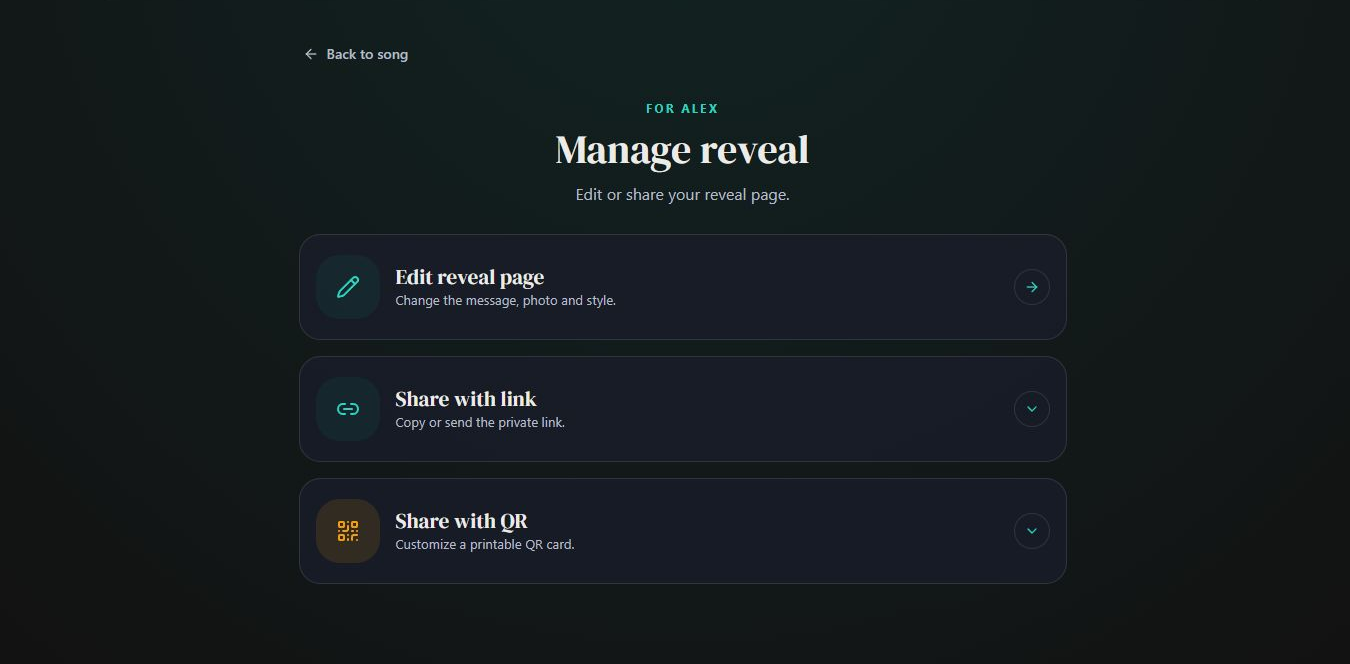
- Marker 1: Open Edit reveal page
- Marker 1: Open Edit reveal page
Choose the style
On Style, use Change design for the page that holds the song. Use Change opening for the surprise shown before it. Tap a card to select it, then continue.
Choose a design and opening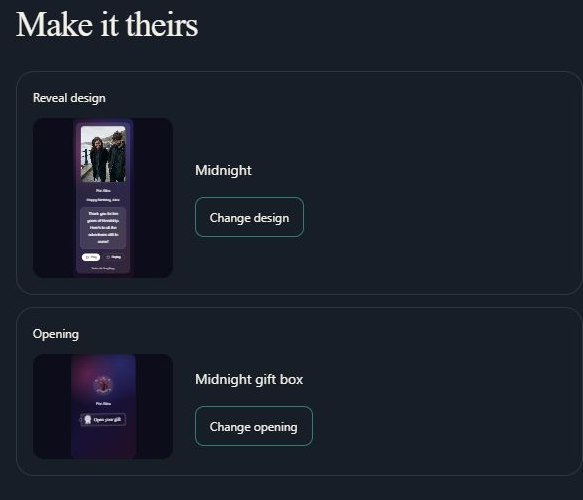
- Marker 1: Choose the song-page design
- Marker 2: Choose how the gift opens
- Marker 1: Choose the song-page design
- Marker 2: Choose how the gift opens
Write your message
On Message, enter a Reveal title and an optional personal note. Choose your fonts and turn Show lyrics on if you want the words on the gift page.
Change the message, fonts or lyrics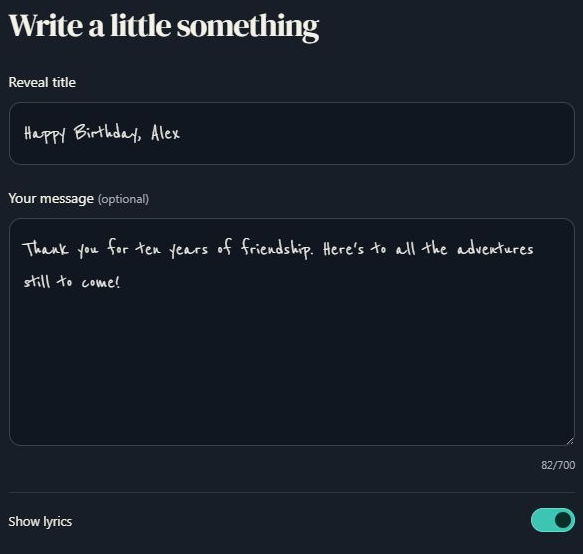
- Marker 1: Write the reveal title
- Marker 2: Add your message
- Marker 3: Show or hide the lyrics
- Marker 1: Write the reveal title
- Marker 2: Add your message
- Marker 3: Show or hide the lyrics
Add your photos
On Photo, keep the song artwork or use Add photos. You can add up to 30 photos, change their order and adjust each one.
Add and arrange photos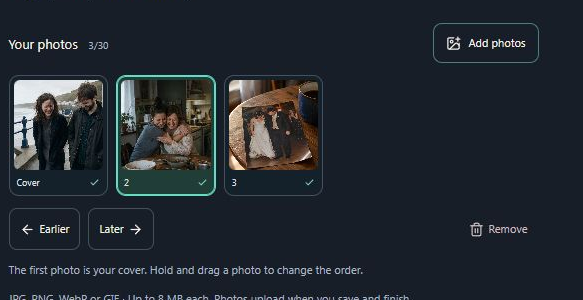
- Marker 1: Add photos
- Marker 1: Add photos
Review the gift
On Review, check Opening and Song page. Use Full page for a larger preview.
See every design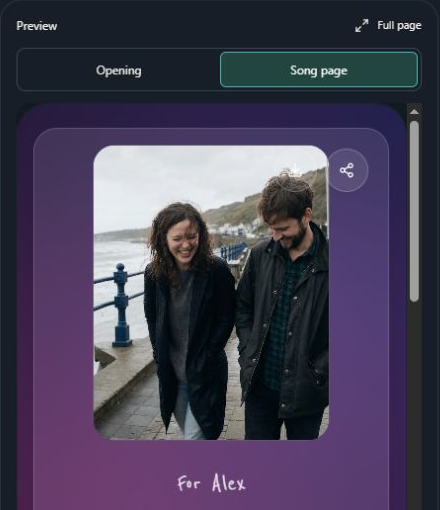
- Marker 1: Check the opening
- Marker 2: Check the song page
- Marker 3: Open Full page
- Marker 1: Check the opening
- Marker 2: Check the song page
- Marker 3: Open Full page
Choose whether they can download
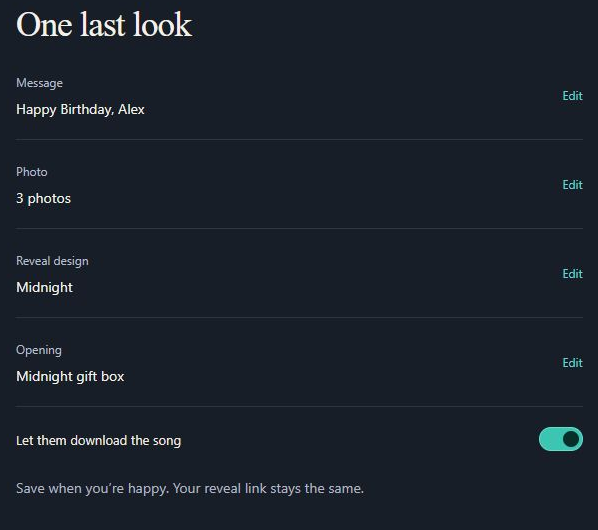
Let them download the song adds a small MP3 download button for your recipient. Turn it off to hide that button.
- Marker 1: Allow or hide the download button
- Marker 1: Allow or hide the download button
Save, then share
Select Save and finish and wait for saving to complete. Use Share with link to send it, or Share with QR to make a printable card. Later edits use the same reveal link.
Share the finished gift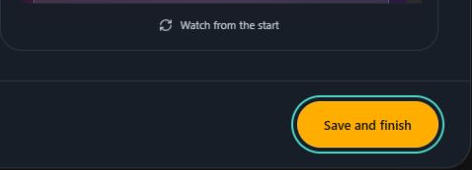
- Marker 1: Select Save and finish
- Marker 1: Select Save and finish


Checked