
How to share your reveal page
On the reveal sharing page, select Share with link, then Copy link or Share. Anyone with the recipient link can open the gift without signing in to your Songilingy account.
In this guide
Save the gift
On Review, check the opening, song, message and photos. Turn Let them download the song on or off, then select Save and finish.
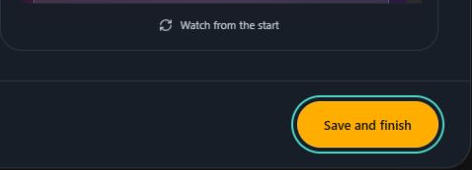
- Marker 1: Select Save and finish
- Marker 1: Select Save and finish
Open Share with link
From the song, select Manage reveal and choose Reveal page if asked. On the sharing page, open Share with link.
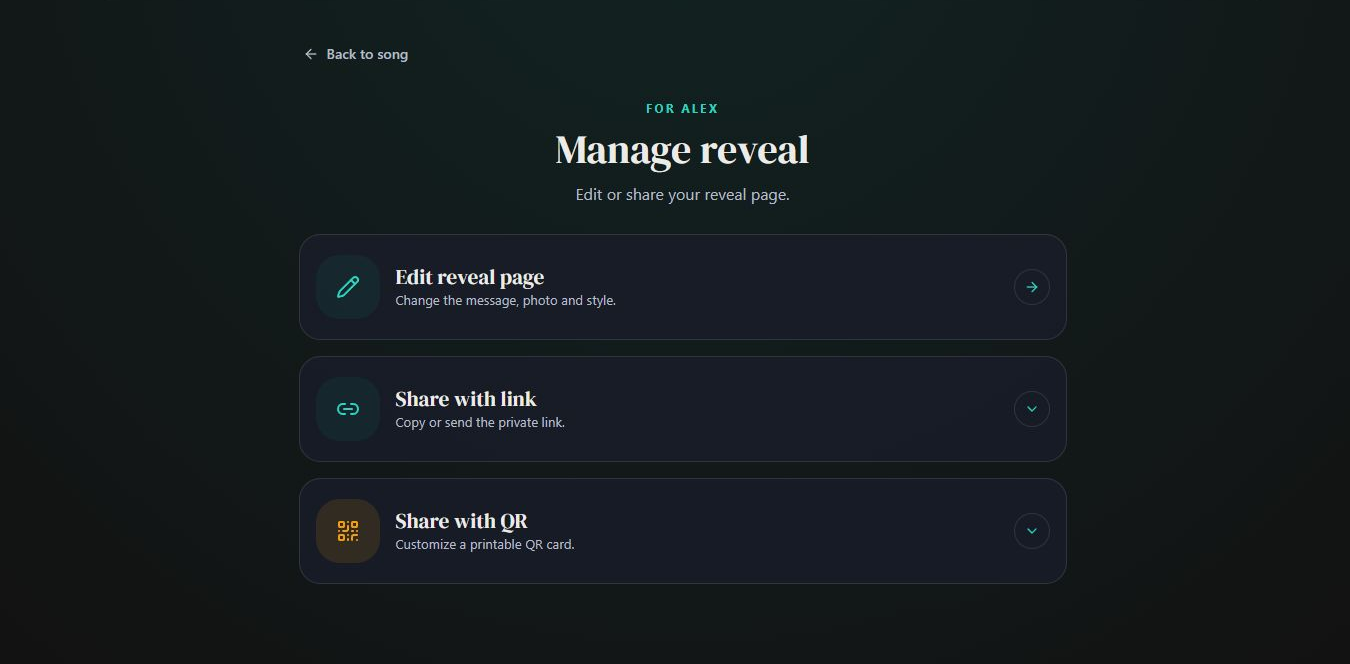
- Marker 1: Open Share with link
- Marker 1: Open Share with link
Copy or send the link
Select Copy link and paste it into a message or email. Or select Share to use the sharing choices on your device.
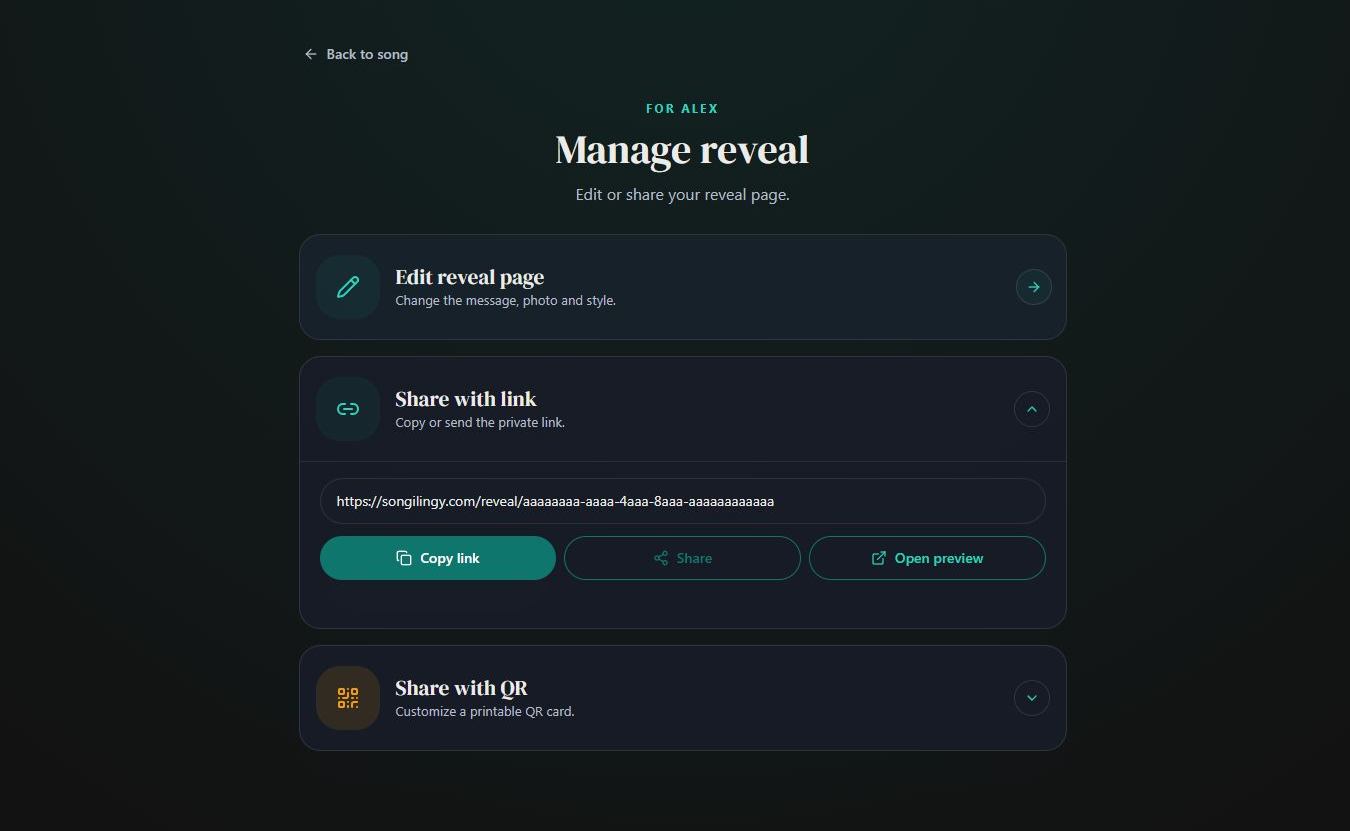
- Marker 1: Copy link
- Marker 1: Copy link
Check what your recipient will see
Open the copied link before sending it. The recipient can open the gift and play the song without an account. Share this link, not the address of your dashboard or preview.


Checked