
How to change your song’s name
Open the song in Songs and select the pencil beside its title. Type the new name and select Save name. This changes the library title, not the words being sung.
In this guide
Open Rename song
In Songs, open the recording and select the small pencil beside the song title.

- Marker 1: Open Rename song
- Marker 1: Open Rename song
Save the name
Enter the name you want, then select Save name. Use Cancel to leave the name as it was.
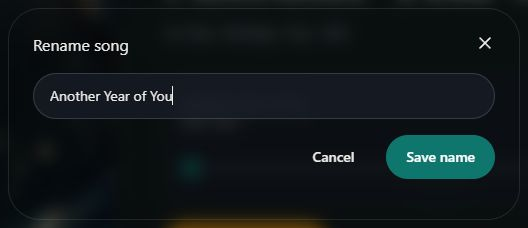
- Marker 1: Enter the new song name
- Marker 2: Save the new name
- Marker 1: Enter the new song name
- Marker 2: Save the new name
Check other titles separately
For the gift page, edit Reveal title on its Message step. For a lyric print, use Edit print text in the print designer. Check these separately if you want the same title everywhere.
Change the reveal title


Checked