
How to create and download a lyric print
Open your song, choose Lyrics, then Lyric prints. Select a design and print size, check the preview and download the PDF for printing.
In this guide
Open the print designer
In Songs, open your recording. Select Lyrics, then Lyric prints.
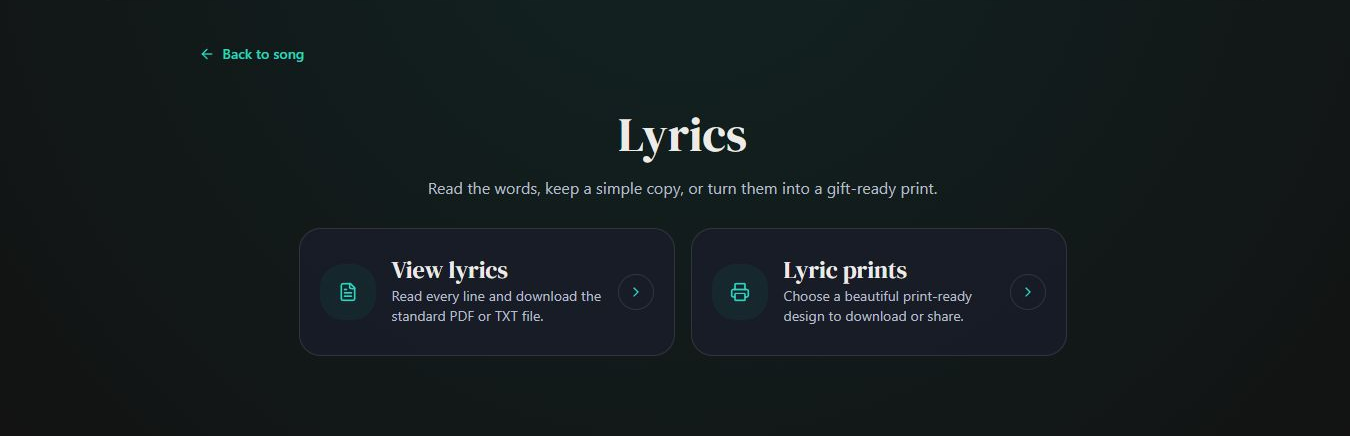
- Marker 1: Open Lyric prints
- Marker 1: Open Lyric prints
Choose a design
Tap the design you want to see it with your song’s words.
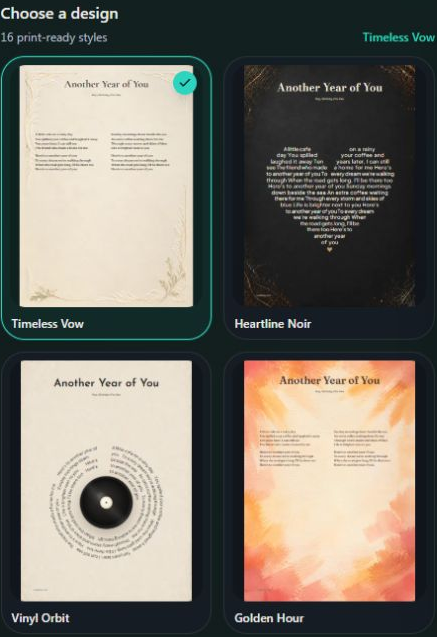
- Marker 1: Choose a print design
- Marker 1: Swipe and choose a print design
Choose the font and paper size
Choose an available Lyrics font and Print size: A4, A3, 8 × 10 in, 11 × 14 in or US Letter.
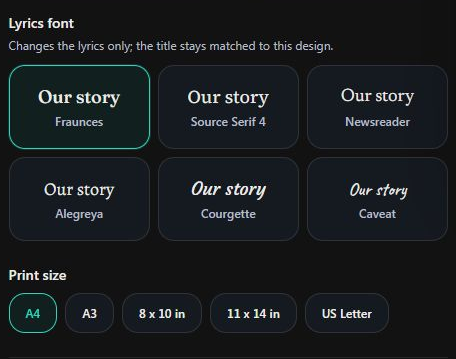
- Marker 1: Choose the lyrics font
- Marker 2: Choose the paper size
- Marker 1: Choose the lyrics font
- Marker 2: Choose the paper size
Change the words on the print, if needed
Open Edit print text. Change the title or lyrics, or fill in Printed details, Dedication and Highlight line. Check how they appear in your chosen design. Reset to song lyrics restores the starting text. These edits do not change the singing.
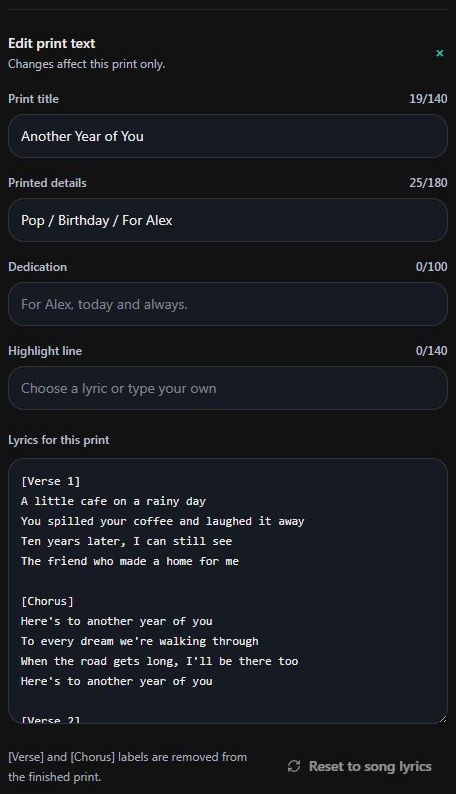
- Marker 1: Edit the print title
- Marker 2: Edit only the words on the print
- Marker 1: Edit the print title
- Marker 2: Edit only the words on the print
Check the whole page
Read the preview from top to bottom. Check names, line endings and the last verse. If the words do not fit, use a larger size, another font or shorter print text.
Fit longer lyricsDownload your print
Select Download print PDF. Use this file for home printing or a print shop. Download print PNG is available for sizes other than A3. To send the PDF through your device, select Prepare to share, then Share PDF now.
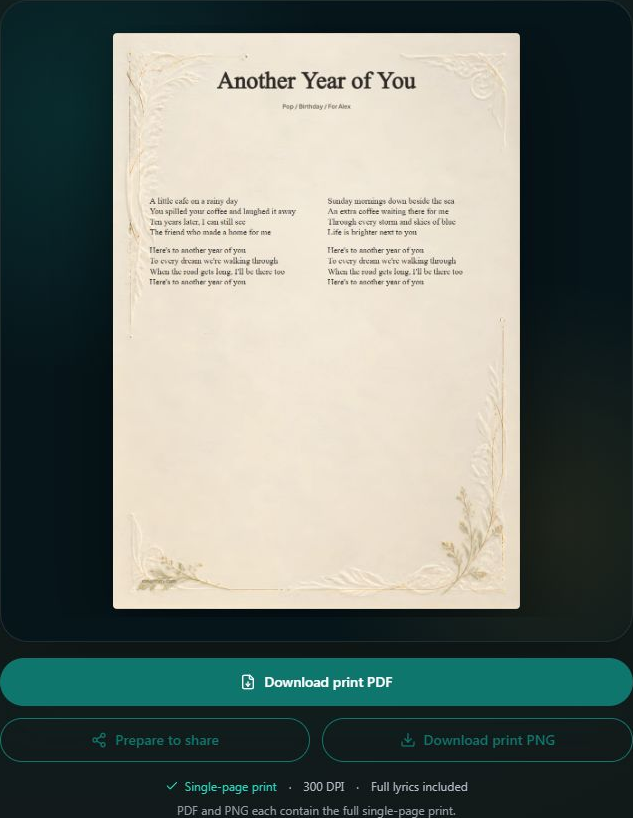
- Marker 1: Download print PDF
- Marker 2: Download print PNG
- Marker 1: Download print PDF
- Marker 2: Download print PNG
Print at the chosen size
Open the downloaded file and check it before printing. Choose matching paper and Actual size or 100% in the printer settings. Give a print shop the PDF and tell them the size you selected.


Checked