
How to read and download your lyrics
Open an unlocked song, choose Lyrics, then View lyrics to read the words and download a PDF or TXT file. Choose Lyric prints for a designed page.
In this guide
Open Lyrics
In Songs, open the recording and select Lyrics.
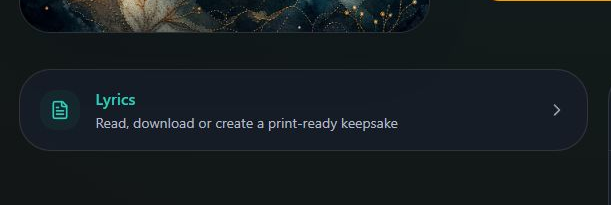
- Marker 1: Open Lyrics
- Marker 1: Open Lyrics
Choose View lyrics
Select View lyrics to open the words.
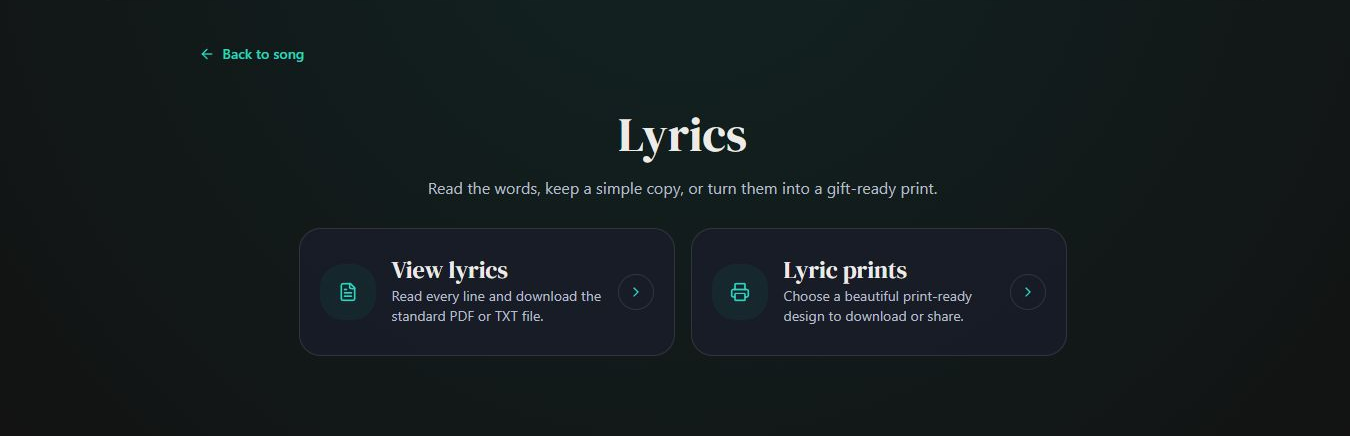
- Marker 1: Open View lyrics
- Marker 1: Open View lyrics
Read or download the words
Read the words on screen. PDF and TXT downloads are available; select the file you want to save.
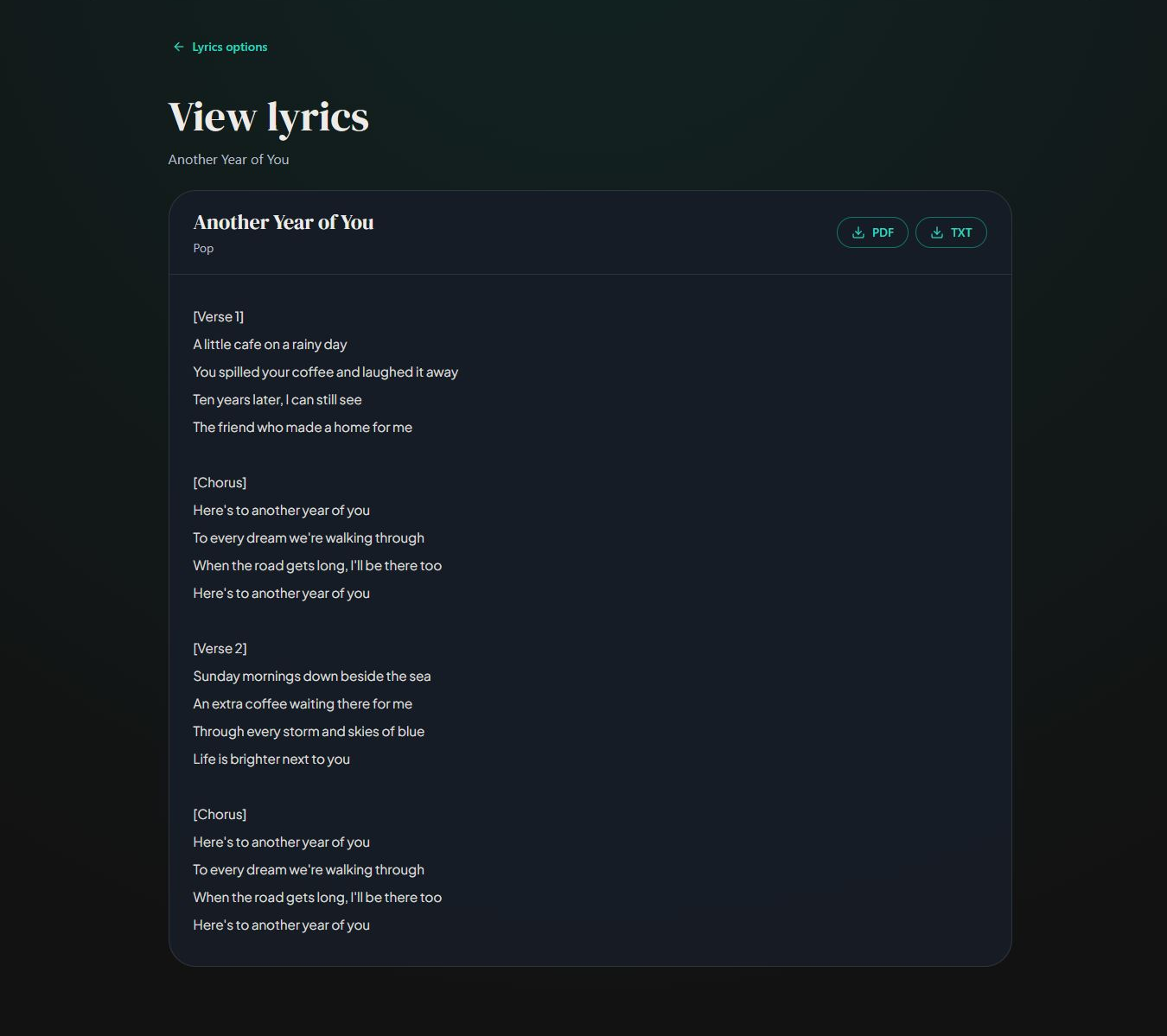
- Marker 1: Choose PDF
- Marker 2: Choose TXT
- Marker 1: Choose PDF
- Marker 2: Choose TXT
Choose Lyric prints for a design
Return to Lyrics and select Lyric prints to choose a design, paper size and print text.
- Marker 1: Open Lyric prints
- Marker 1: Open Lyric prints


Checked