
How to download your Songilingy song
Open Dashboard, choose Songs, open the recording and select Download song. The MP3 saves through your browser to its download location.
In this guide
Open the unlocked song
Go to Dashboard, choose Songs and open the recording you want to save.
Open SongsChoose the recording
If you have used Make it right, check the current version. You can also use the download button on an individual recording in Your song versions.
Select Download song
Use the button under the main player. If it says Preparing download, wait until the download becomes available.
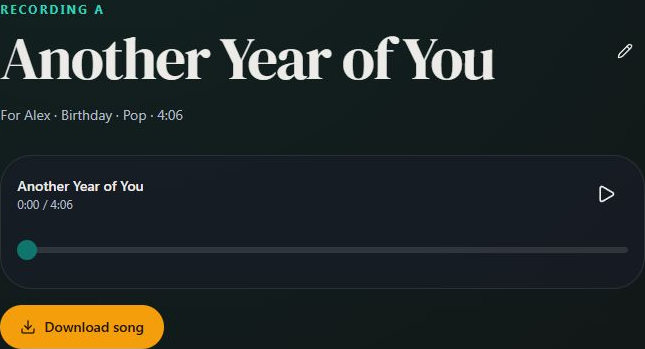
- Marker 1: Download song
- Marker 1: Download song
Find the MP3
Check your browser's downloads list or your device's Downloads folder. Open the file to confirm it plays before you need it for the gift.

Checked