
How to download your song on iPhone
Open your unlocked song in Safari and select Download song. Find the saved MP3 in Safari's downloads list or in the Downloads folder in the Files app.
In this guide
Open Songilingy in Safari
If you arrived through an email or social app's built-in browser, open the page in Safari. Sign in, open Songs and choose your recording.
Download the MP3
Select Download song and confirm if Safari asks. Open Safari's downloads list to see the file.
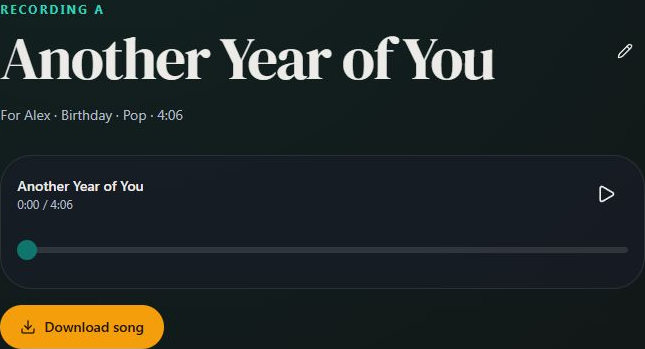
- Marker 1: Download song
- Marker 1: Download song
Find it in Files
Open Files, select Browse and look in Downloads under iCloud Drive or On My iPhone. The location depends on your Safari download settings.
Play or share it
Tap the MP3 to play it. Press and hold the file to move or share it.

Checked