
How to download your song on Android
Open your unlocked song in your browser and select Download song. Find the MP3 in the browser's Downloads list or your phone's Files or My Files app.
In this guide
Open your song in the browser
Sign in, choose Songs and open the recording. If a message or social app opened the page inside its own browser, open it in Chrome or your usual browser.
Select Download song
Confirm the download if asked and allow it to finish.
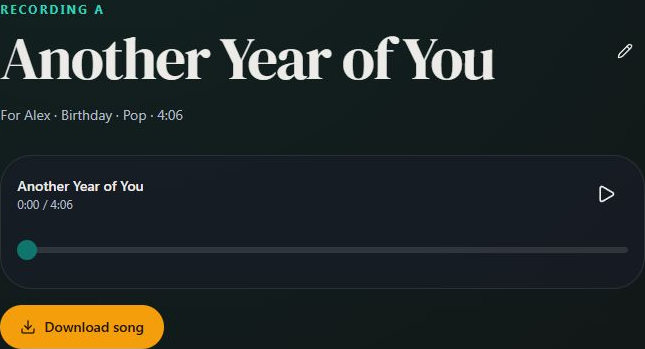
- Marker 1: Download song
- Marker 1: Download song
Find the saved file
Open the browser menu and choose Downloads, or open Files or My Files and look in Downloads.
Play or send the MP3
Tap the file to play it. Use your file manager's Share option to send the recording.

Checked