
How to change lyrics after unlocking
Yes, you can change lyrics after purchase. Open the song, choose Make it right, edit the lyrics and select Create two new versions. This uses one of the song's three included changes at no extra charge; your original recording stays available.
In this guide
Open Make it right
Open the purchased song in Songs and select Make it right. The page shows how many changes remain.
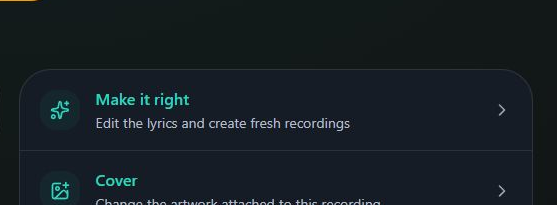
- Marker 1: Open Make it right
- Marker 1: Open Make it right
Edit the words
Type your changes into Lyrics. Check every repeated line. Use Pronunciation helper for a name that sounds wrong. Reset to original restores the original lyrics, so copy any edits you want to keep first.
Create the new recordings
Select Create two new versions. The button becomes available after you change the lyrics. While generation is in progress, return to this page to check it rather than starting another change.
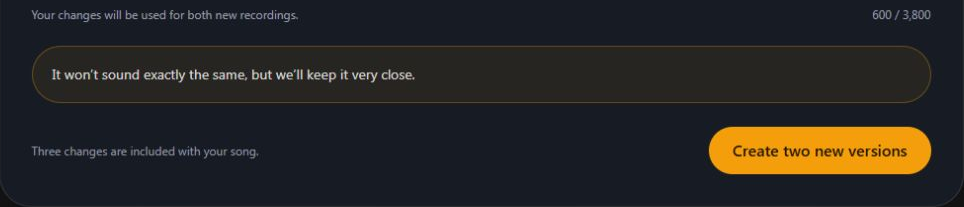
- Marker 1: Create two new versions
- Marker 1: Create two new versions
Listen and choose
Play both new recordings. Select Use this version on your choice. It becomes Current version; your original stays available.
See what choosing a version changes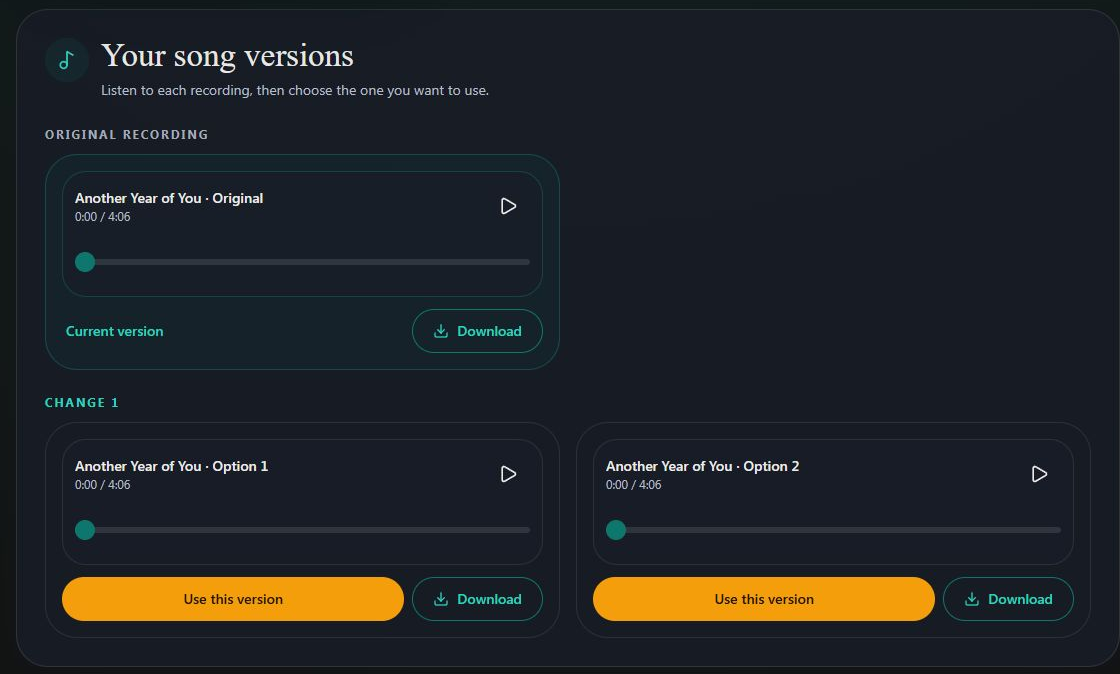
- Marker 1: Keep this revised recording
- Marker 1: Keep this revised recording
If the revision fails
A revision confirmed as failed does not use one of your three changes. Check the remaining number and try again if the page offers it. If it stays in progress or the same error returns, send support the song title, exact error and the line you need corrected.
Get help with a revision


Checked