
What details should I include in my song?
You do not need to write lyrics or make anything rhyme. A few clear notes about the person and your memories are enough.
Open song creator
In this guide
Make the relationship clear
Enter their first name (or what you call them), then choose who they are to you. For example, choose friend to finish “Alex is my…”. The line under the pictures confirms it: “A song for your friend, Alex.”
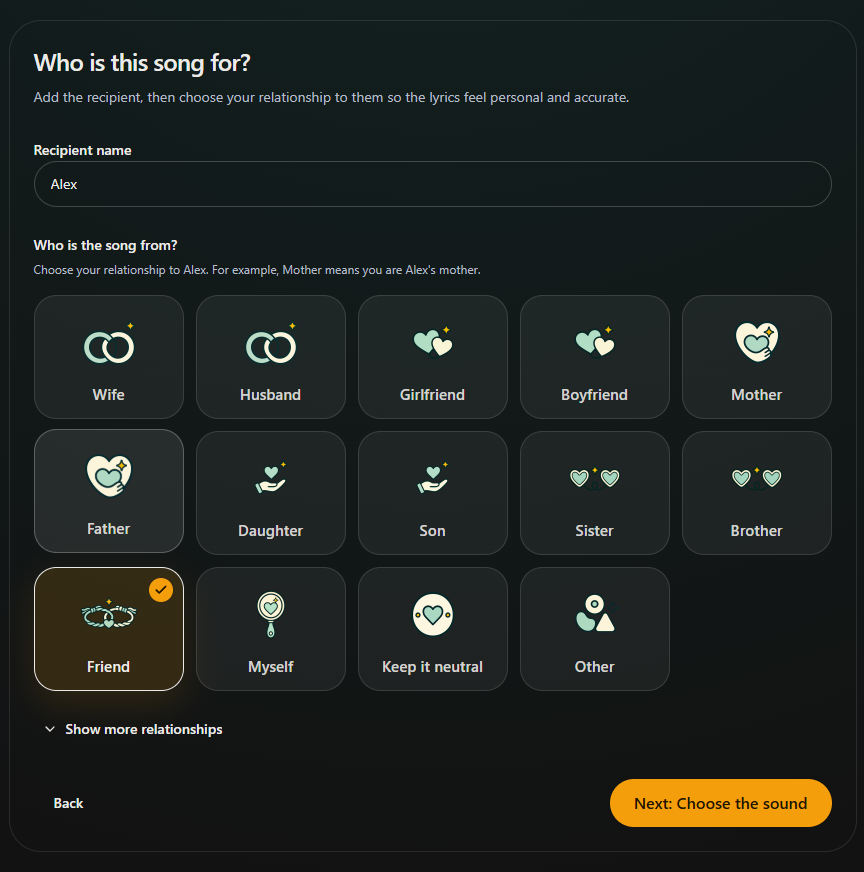
- Marker 1: Enter their first name
- Marker 2: Say who they are to you
- Marker 1: Enter their first name
- Marker 2: Say who they are to you
Write a memory and your message
In the story box, try something like: “Alex, you always make us laugh. I love our Sunday walks by the sea, and I want this birthday song to say how much your friendship means.”
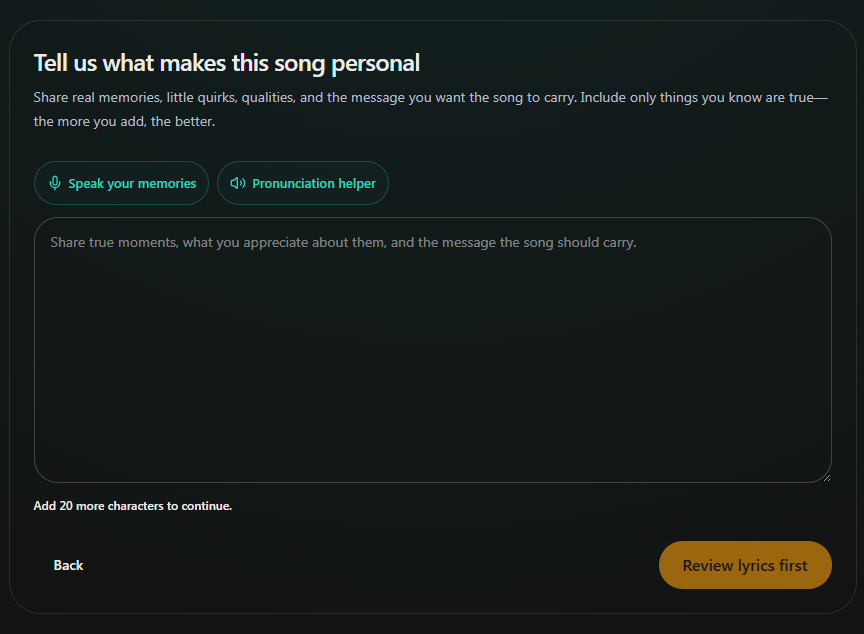
- Marker 1: Add your memories
- Marker 1: Add your memories
Check the details, then continue
Include only facts you want in the song, and check names and dates. Select Create lyrics to see the words before any music is made.
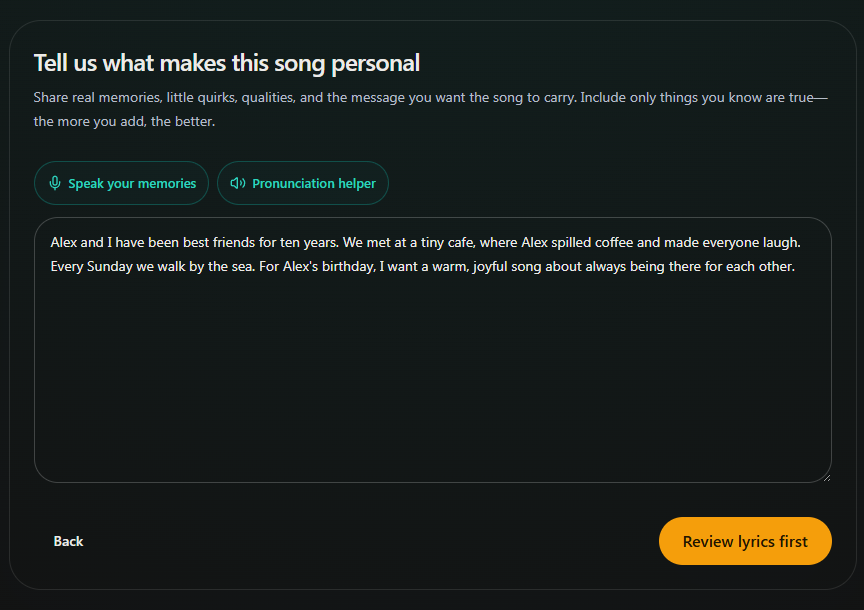
- Marker 1: Add your memories
- Marker 2: Choose Create lyrics
- Marker 1: Add your memories
- Marker 2: Choose Create lyrics


Checked