
Review or change your lyrics before making the song
After you select Create lyrics, the words appear in an editable box. Make your changes here before creating the music.
Open song creator
In this guide
Edit the title and words
Type directly in Song title or Lyrics to make changes. Read through the lyrics and check names, dates and anything that should not be included.
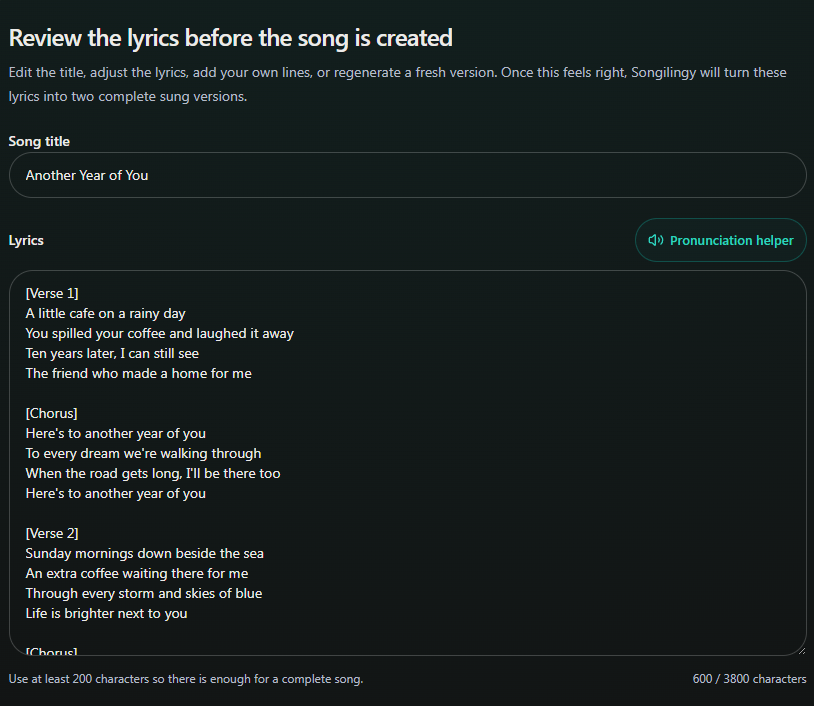
- Marker 1: Edit the title
- Marker 2: Edit the lyrics
- Marker 1: Edit the title
- Marker 2: Edit the lyrics
Ask for a different draft, if needed
Write what you want changed in Regeneration note, then select Regenerate lyrics. This makes a new draft, so copy any edited lines you want to keep first.
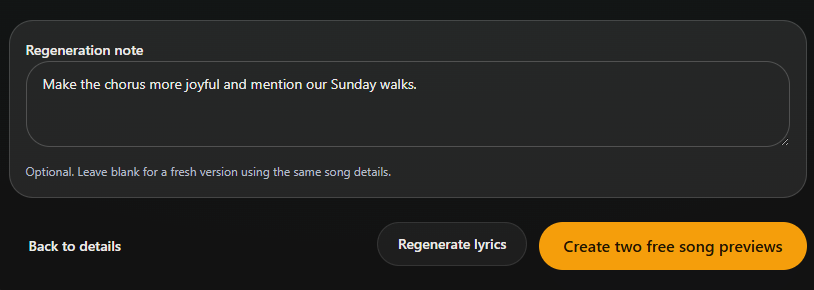
- Marker 1: Describe your changes
- Marker 2: Regenerate lyrics
- Marker 1: Describe your changes
- Marker 2: Regenerate lyrics
Make the music when the words are right
Select Create two free song previews. Both versions use these approved lyrics, so check them once more before continuing.
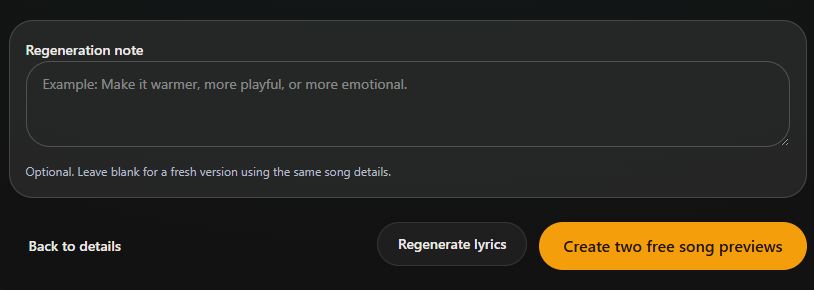
- Marker 1: Create both versions
- Marker 1: Create both versions


Checked