
Create your samples and choose a cover
Create the samples after checking your lyrics. The next page shows their progress, play buttons and optional cover choices.
Open song creator
In this guide
Start the two song previews
On the lyrics review page, select Create two free song previews. Sign in or create a free account if asked.
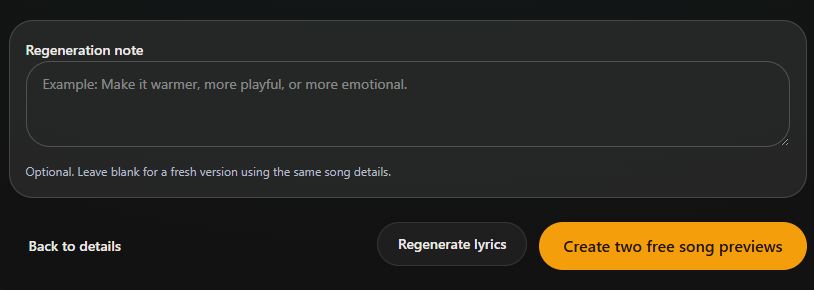
- Marker 1: Create both versions
- Marker 1: Create both versions
Wait for the recordings
The page updates as the music is made. You can leave and return through Dashboard → Samples. Play a version when its play button is ready.
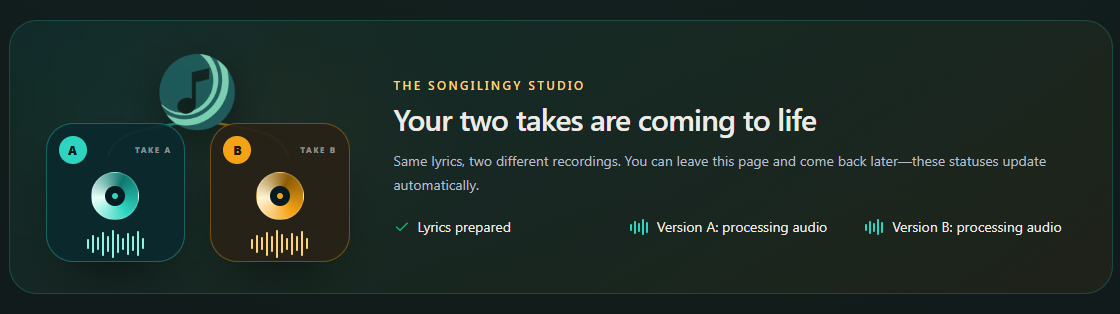
- Marker 1: Check Version A is ready
- Marker 2: Check Version B is ready
- Marker 1: Check Version A is ready
- Marker 2: Check Version B is ready
Listen to both versions
Play Version A and Version B. They use the same lyrics but are different recordings. Check the names and the ending in both.
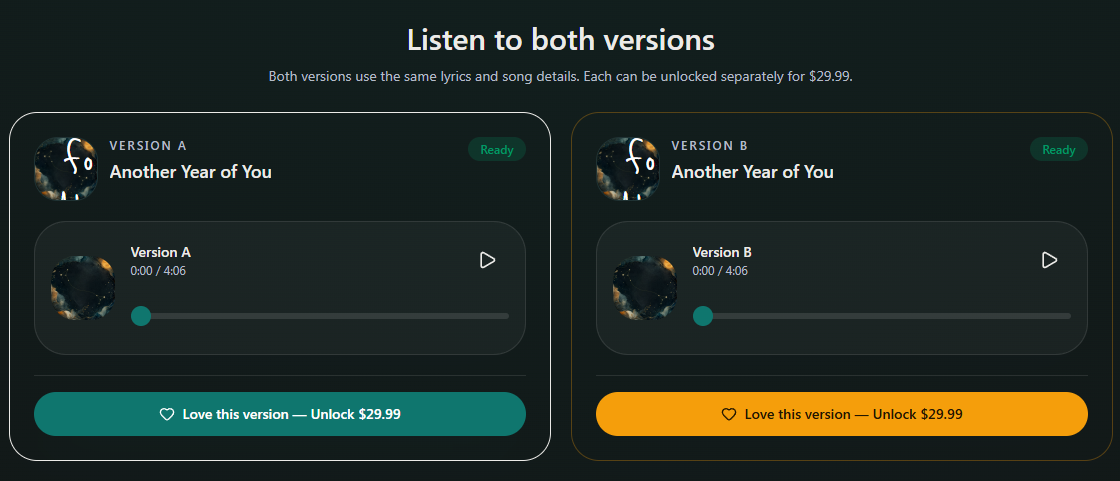
- Marker 1: Play Version A
- Marker 2: Play Version B
- Marker 1: Play Version A
- Marker 2: Play Version B
Choose the cover
Under Prepare your gift, keep the cover or choose Generate or Upload. You can generate up to three covers for this pair. For Upload, use JPG, PNG or WebP up to 8 MB.
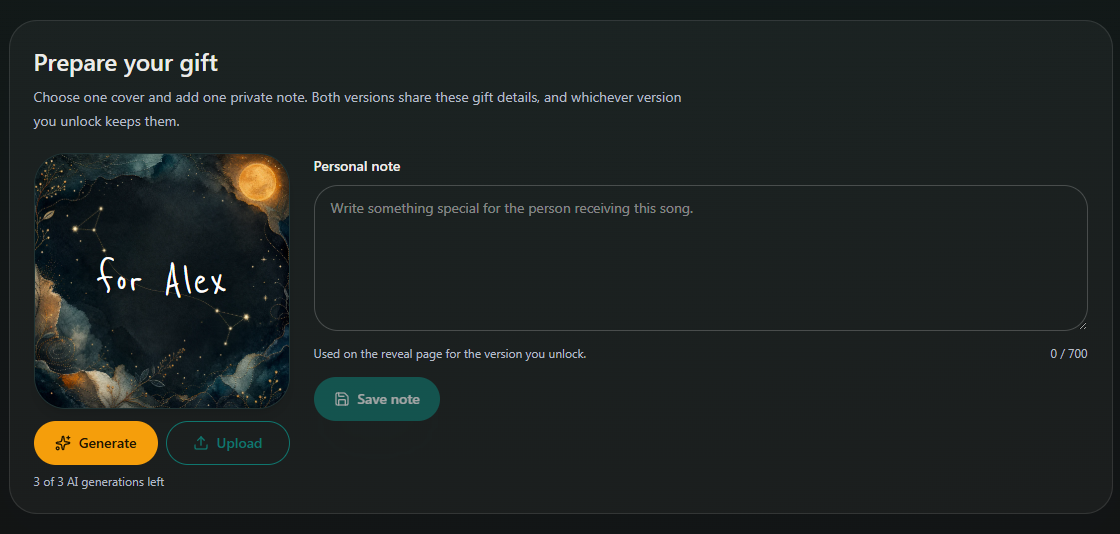
- Marker 1: Generate a cover
- Marker 2: Or upload your photo
- Marker 1: Generate a cover
- Marker 2: Or upload your photo
Save your note
If you add a Personal note, select Save note. Wait for any cover generation or upload to finish before unlocking a song.
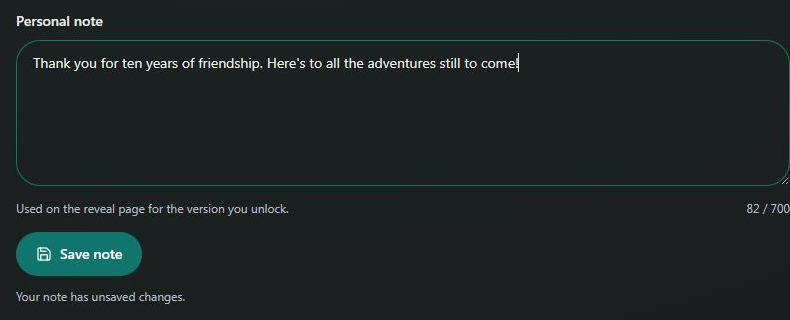
- Marker 1: Write your personal note
- Marker 2: Save your note
- Marker 1: Write your personal note
- Marker 2: Save your note


Checked