
How to listen to your song samples
Your free song previews let you hear both full recordings before you buy. Open Samples, choose the song and play Version A and Version B.
In this guide
Open Samples
Sign in, open Dashboard and choose Samples. Open the card for the song you want to hear.
Open SamplesPlay both versions
Press play on Version A, then Version B. Both use the same lyrics and song details, with different performances and arrangements.
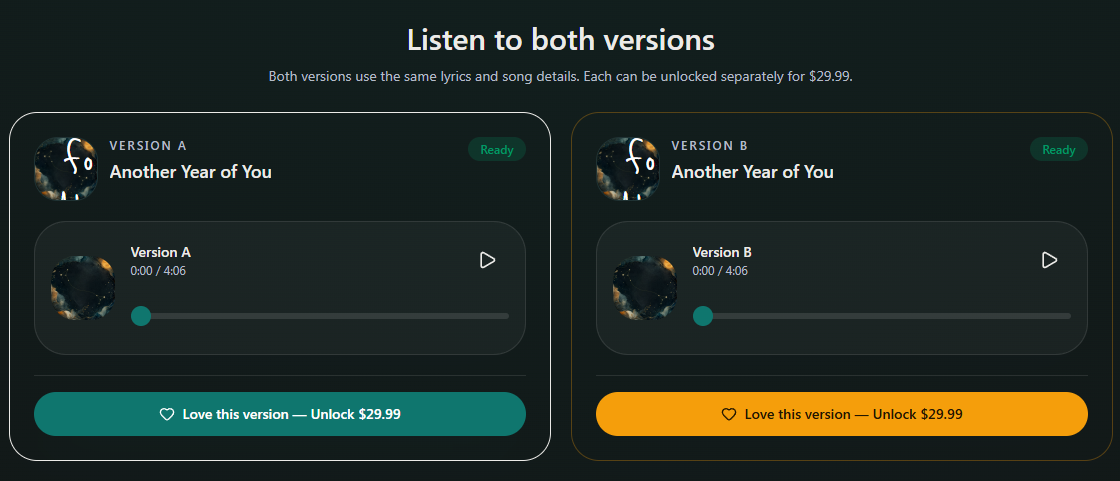
- Marker 1: Play Version A
- Marker 2: Play Version B
- Marker 1: Play Version A
- Marker 2: Play Version B
Check the words and sound
Listen through each recording, including names, repeated choruses and the ending. Choose the version you want to keep only after checking it.

Checked