
What to do if payment completed but the song is missing
Do not pay again for the same recording. Sign in to the account you used to create it, open Songs and refresh once. If the purchase is still missing, contact us with the payment confirmation.
In this guide
Check the account
Use the same email or Google account you used to create the song. A payment email can be different from your Songilingy account email.
Open Songs
Open Dashboard → Songs and refresh once. If the song is present but says Preparing download, the purchase is there and the audio file is still being prepared.
Open Songs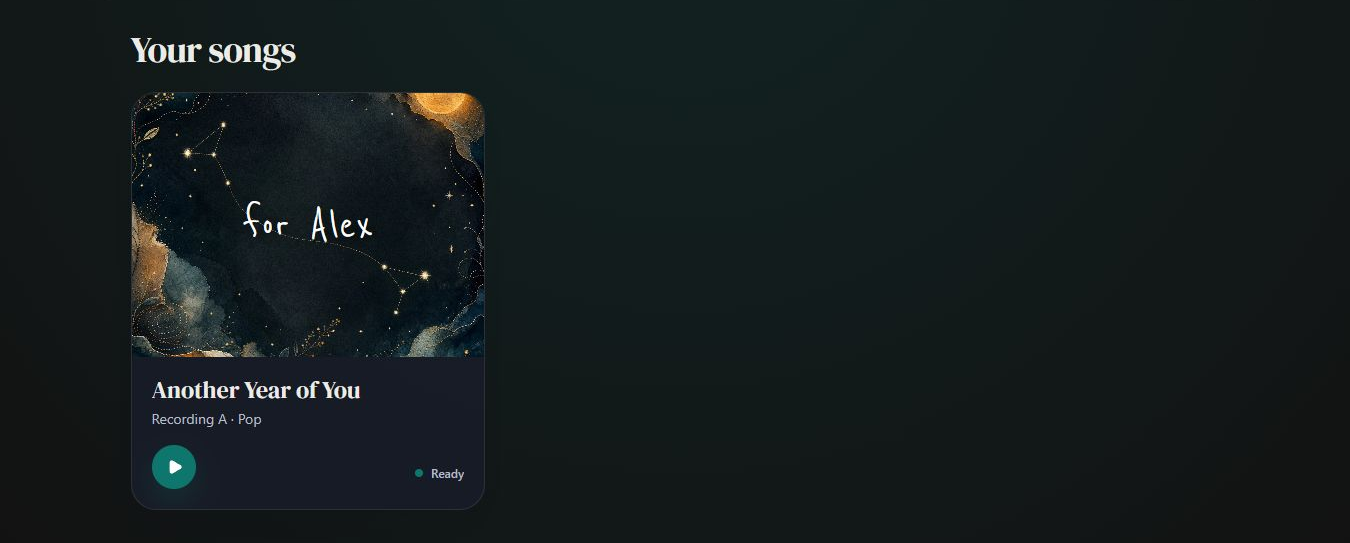
- Marker 1: Open Another Year of You
- Marker 1: Open Another Year of You
Check the delivery email
Look in your inbox and spam or junk folder. The delivery link is another way to reach the MP3.
Use your delivery linkSend us the confirmation
If the song is still missing, send your account email, song or recipient name, approximate payment time and payment confirmation. Include the payment email too if it differs. Tell us if you see a duplicate charge.
Recover your purchase

Checked