
Where to find your unlocked songs
Sign in to the account you used to create the song, then open Dashboard and choose Songs. Open the song card to play it, download it or prepare the gift.
In this guide
Sign in to the same account
Use the email or Google account you used when creating and purchasing the song. A different account has a different song library.
Open Songs
Open Dashboard and choose Songs. Your purchases are here; free previews are in Samples.
Open your songs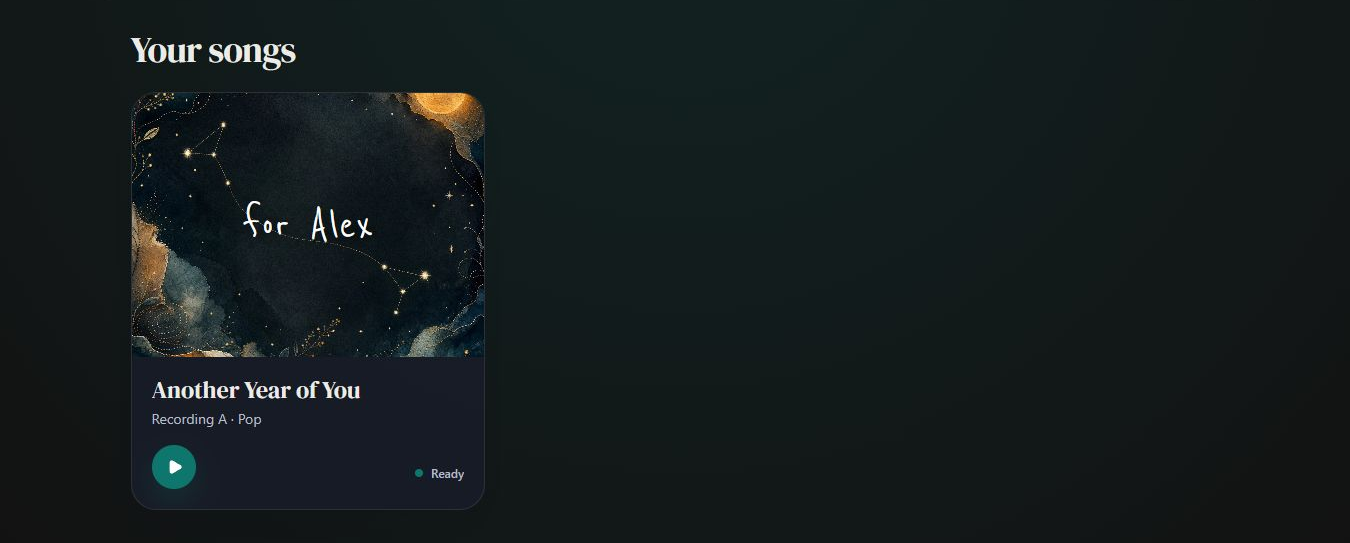
- Marker 1: Open Another Year of You
- Marker 1: Open Another Year of You
Open your song
Select its card. Use Download song for the MP3, Lyrics for the words and prints, Make it right for sung-word changes, Cover for artwork, and Manage reveal for the gift page.
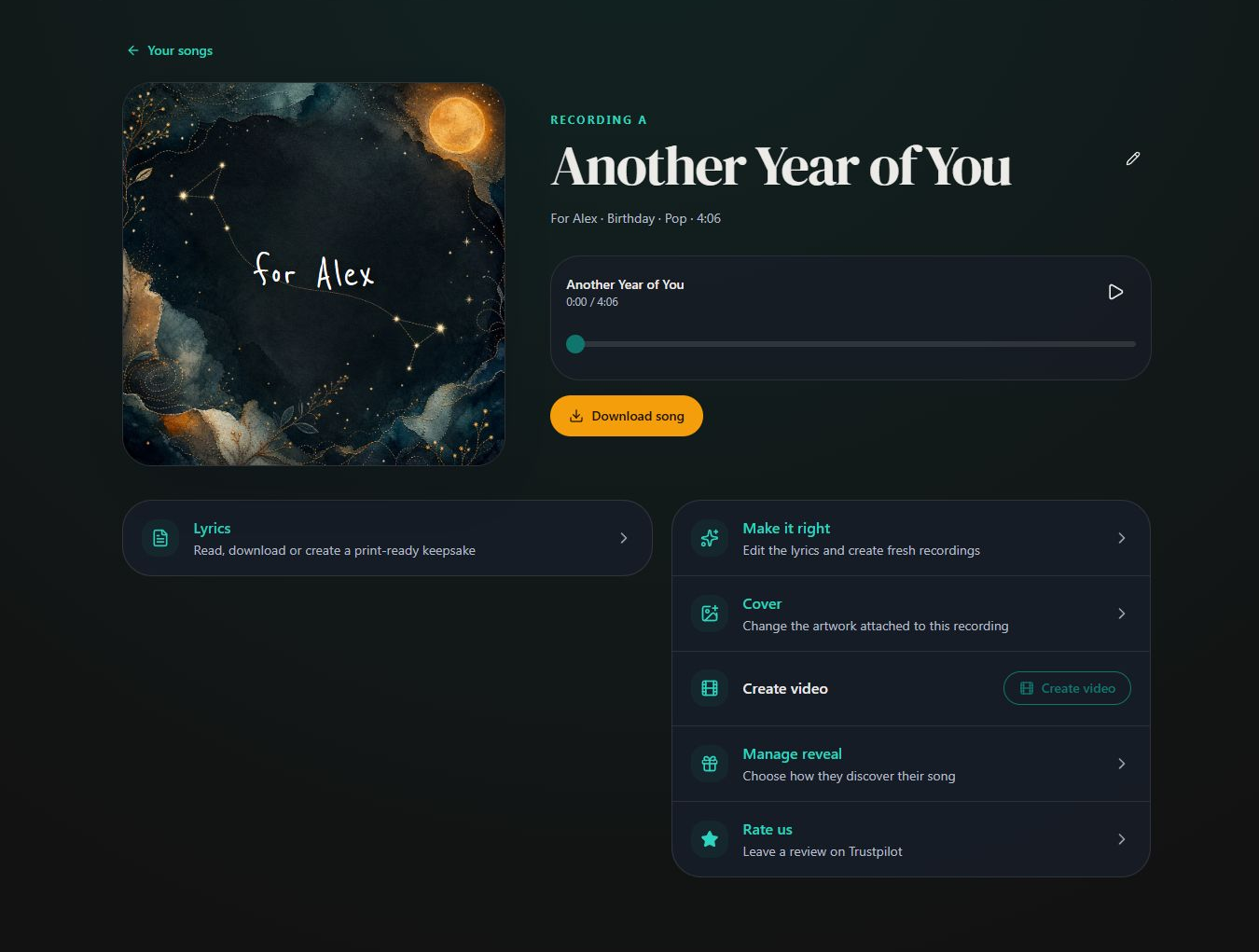
- Marker 1: Download song
- Marker 2: Open Lyrics
- Marker 3: Open Manage reveal
- Marker 1: Download song
- Marker 2: Open Lyrics
- Marker 3: Open Manage reveal


Checked