
What if my samples are not ready or will not play?
Check the status on your sample page first. If it is still generating, return to that same sample later. If it has failed, or a ready recording will not play, use the matching advice below.
In this guide
The song is still generating
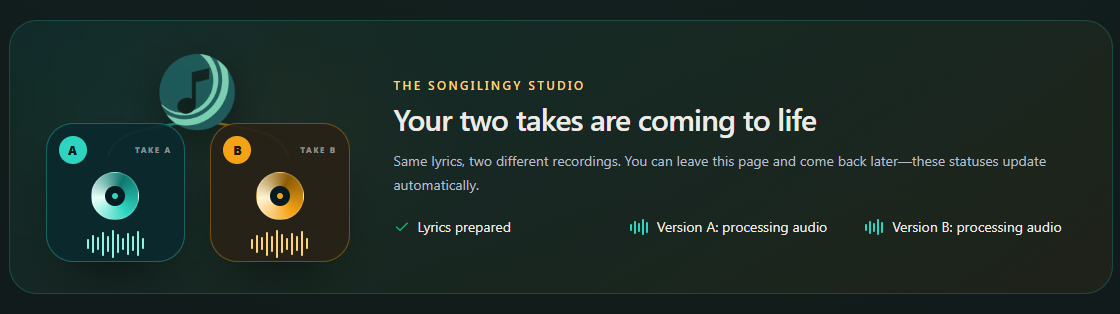
Version A and Version B can finish at different times. The page updates automatically. You can close it and return through Dashboard → Samples; do not start another request just to check progress.
- Marker 1: Check Version A is ready
- Marker 2: Check Version B is ready
- Marker 1: Check Version A is ready
- Marker 2: Check Version B is ready
A failure message appears
Read the message and follow any retry option shown. A sample marked as failed does not count toward your daily preview allowance. If the same failure returns, contact us with the song title and message.
The sample is ready, but there is no sound
Press play, turn up the volume and check whether the sound is going to Bluetooth headphones or a speaker. Check your internet connection. If you are inside a social app, open the page in Safari or Chrome.
The sample has expired
Check its countdown or expiry message. An unlocked recording is still in Songs. For an expired, unpurchased sample, contact us to ask whether it can be recovered.
Check the preview windowIt still will not work
Send support your account email, song title, the status or error shown, and your device and browser. You do not need to start more songs to report a stuck one.
Contact support

Checked